









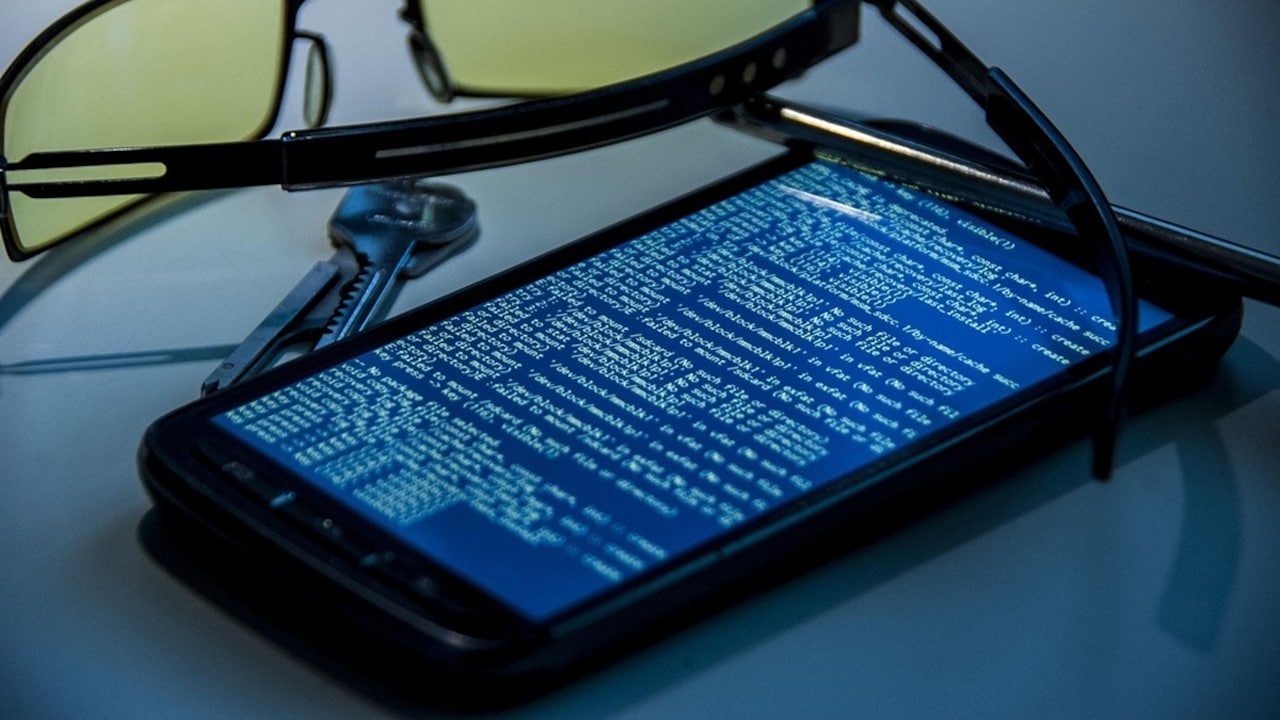
Smartphones have become indispensable to daily life in India and beyond, carrying banking details, social media accounts and personal conversations. That ubiquity makes them an attractive target for spyware, software designed to monitor activity and exfiltrate sensitive information. Security experts say users can spot many infections early if they know what to look for and take prompt action.
How to spot smartphone spyware
Several common symptoms point to possible spyware activity. Sudden and persistent battery drain, unexplained spikes in mobile data usage, and a phone that heats up during light use are typical red flags. Performance problems such as frequent app crashes, unexpected restarts, or the screen turning on and off without input may also indicate unauthorised background processes.
Audio anomalies during calls, including clicks or distant voices, can be particularly worrying, as some spyware intercepts microphone input. Multiple simultaneous signs over several days increase the likelihood that a device has been compromised; a single issue on its own may have an innocuous explanation.

Check apps and permissions for signs of compromise
Modern smartphones include tools that help users spot suspicious software. On Android devices, review the list of installed apps in Settings and look for unfamiliar names or packages. Many malicious apps attempt to masquerade as utilities such as flashlights, cleaners or system updates. On iPhone, third-party installations are harder unless the handset has been jailbroken, but users should still verify the apps they have installed.
Permissions offer another useful clue. Navigate to Privacy or App Permissions and inspect which applications have access to the camera, microphone, location and other sensitive sensors. An app that requests camera and microphone access without a clear reason should be treated with suspicion. Restrict unnecessary permissions and remove apps that cannot be justified.
What to do if you find spyware
If you discover a malicious app, uninstall it immediately. Some spyware resists removal; if an app cannot be deleted or keeps reappearing, back up essential data and perform a factory reset. Before resetting, ensure you have copies of contacts, photos and other important files stored offline or in a secure cloud account.
Where possible, update the device operating system and apps to the latest versions, as patches often close vulnerabilities exploited by malware. Change passwords for banking and social accounts from a trusted device and enable two-factor authentication to add an extra layer of security. If you suspect financial information has been compromised, contact your bank without delay.
For users unsure how to proceed, taking the device to an authorised service centre or a reputable security professional is advisable. They can perform a thorough inspection, remove persistent threats and recommend further protective measures.
Practical steps to reduce future risk
Prevention remains the best defence. Install apps only from official app stores, avoid sideloading software from unknown sources, and scrutinise app reviews and developer details before installation. Keep the operating system and applications updated, use reputable mobile security software, and avoid clicking links or opening attachments from unknown messages. Regularly audit app permissions and remove apps you no longer use.
Awareness and prompt action can limit the damage caused by smartphone spyware. By monitoring device behaviour, controlling permissions and seeking professional help when needed, users can protect their personal data and reduce the risk of sustained surveillance.
Key Takeaways:
- Be alert to sudden battery drain, increased data usage and unexplained overheating as signs of smartphone spyware.
- Check installed apps and app permissions to identify suspicious software requesting camera or microphone access.
- Remove detected spyware, perform a factory reset if necessary, and consult an authorised service centre for assistance.