









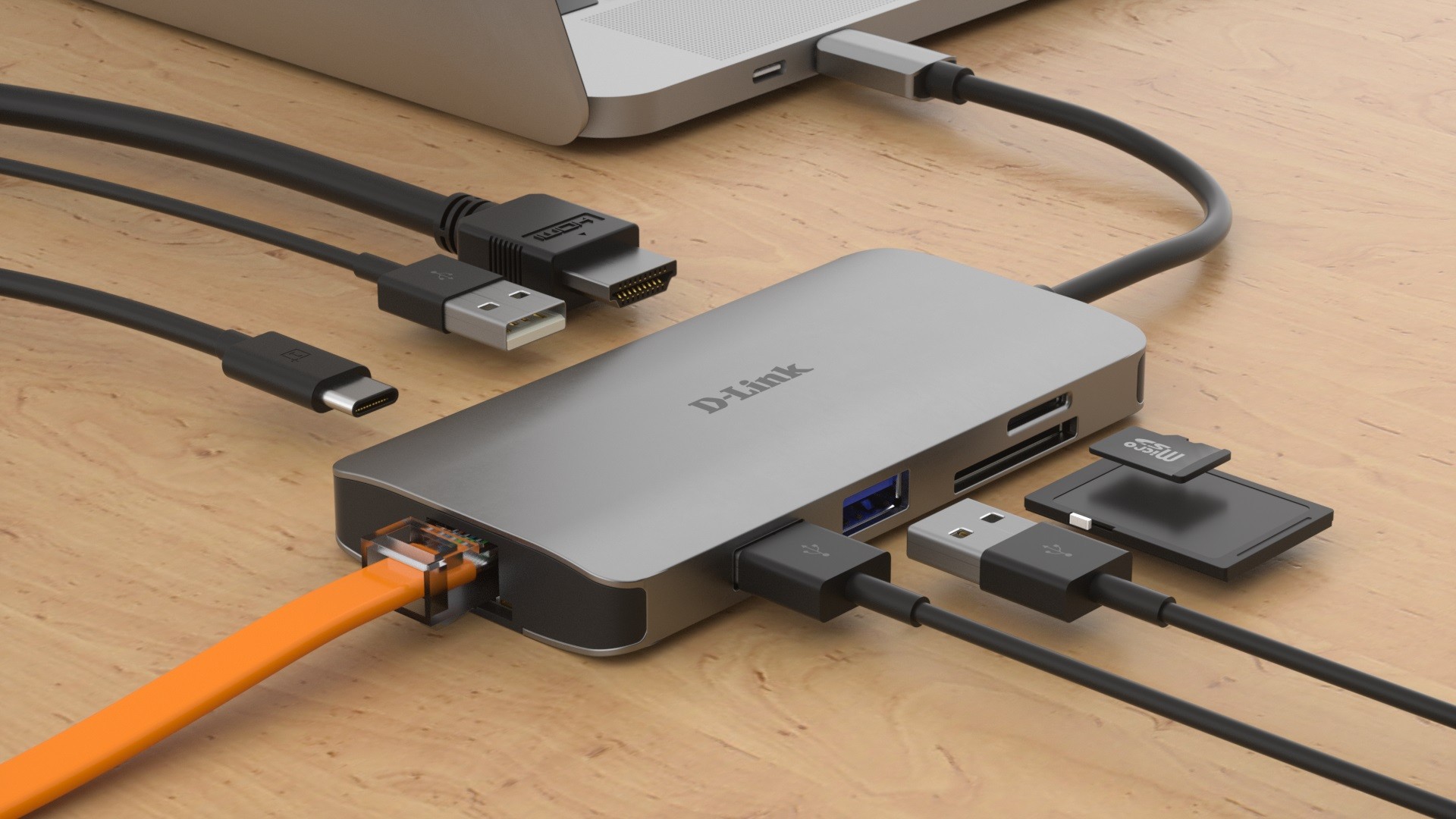
Brazilian technology outlet TechTudo has compiled a buyer’s guide to seven USB-C hubs for MacBook, offering practical options for users who need extra ports without replacing their laptop. The round-up covers budget models from C3Tech through to higher‑spec offerings from UGREEN and TP‑Link, with prices verified in January 2026 and links to major retailers.
USB-C hubs for MacBook: what to expect
Most modern MacBooks rely on a small number of USB-C ports, making hubs a near‑essential accessory for peripherals, external displays and wired networking. The recommended models vary in complexity: simple adapters provide extra USB‑A ports, while larger multiport hubs add HDMI with 4K support, Ethernet, card readers and pass‑through charging.
The list begins with the C3Tech HU‑C230BK, an inexpensive plastic hub that supplies four USB‑A 2.0 ports and works plug and play. It is praised for value and stable connectivity, though reviewers point out its limited port variety and lightweight construction. At the other end of the spectrum, the UGREEN Uno and TP‑Link UH9120C target power users, offering multiple USB‑A and USB‑C ports, high‑speed transfers and HDMI output capable of 4K at 60Hz.

Key choices from the guide include:
- C3Tech HU‑C230BK — cheap, compact, four USB‑A 2.0 ports; good for basic peripherals.
- Anker A8357 — a universal hub with USB‑A and USB‑A 3.0, HDMI and a laptop charging input; noted for steady operation and minimal heating.
- Lention CE18PHCR — stands out for its SD/micro‑SD card reader and pass‑through USB‑C charging.
- UGREEN Revodok 105 — good for connecting monitors, with multiple USB‑A 3.0 ports and heat dissipation design.
- Gshield Multiportas — adds an RJ45 Ethernet port up to 1 Gbps for users who prefer wired Internet.
- TP‑Link UH9120C — nine ports for heavy peripheral use, though some users reported significant external heating.
- UGREEN Uno — modern specification with up to 10 Gbps transfer speeds and a braided cable for durability.
Each product entry in the original guide includes pros and cons and buyer ratings from platforms such as Amazon and Mercado Livre. Prices at the time of verification ranged from roughly R$19 for the most basic adapter up to around R$243 for higher‑end multiport hubs. Readers should note that prices and availability may change after January 2026.
When choosing a hub, consider your primary needs. If you only require extra USB‑A ports for a mouse and keyboard, a basic model will suffice and costs are minimal. For external displays or fast data transfers, seek hubs with USB‑A 3.0 or USB‑C 3.2 and HDMI rated for 4K at 60Hz. If you need stable wired Internet, opt for a hub with an RJ45 connector. Also check whether the hub supports pass‑through charging if you want to charge the MacBook while using peripherals.
TechTudo’s guide is clear about methodology: product selection was based on reviews and retailer ratings, and a brief technical sheet accompanies each listing. The article also discloses commercial partnerships with retailers, and notes that clicking affiliate links may generate compensation for the publisher.
For Brazilian MacBook users shopping for a hub, the TechTudo round‑up provides a useful starting point to compare features, prices and user feedback before purchase.
Key Takeaways:
- Practical guide to choose USB-C hubs for MacBook with seven recommended models and price checks from January 2026.
- Options range from ultra‑cheap four‑port adapters to advanced multiport hubs with Ethernet and 4K HDMI.
- Key pros and cons listed for each product to help buyers compare features such as charging, card readers and heat management.