









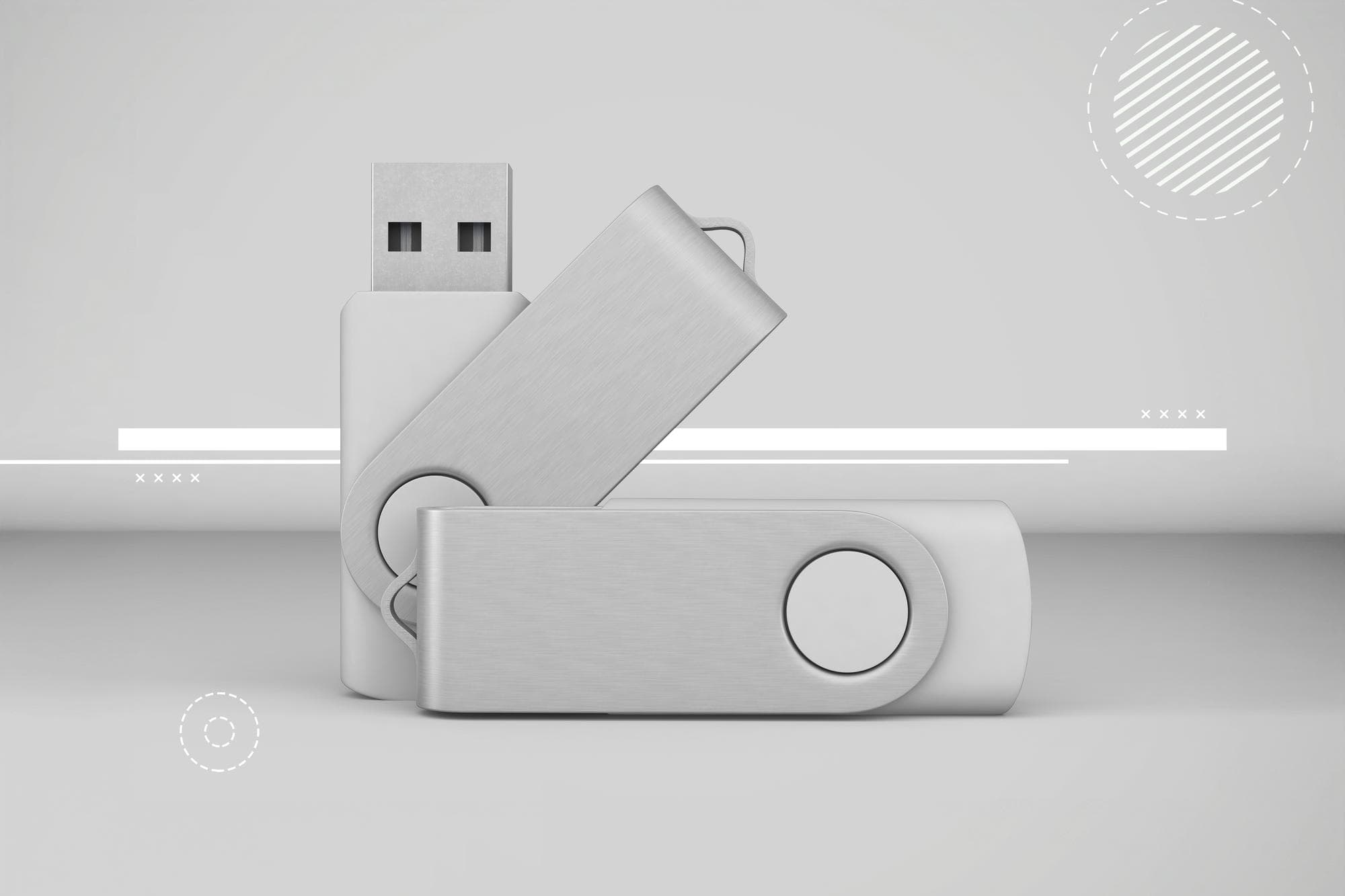
Many people treat USB flash drives as personal safes for photographs, documents and videos, but a Russian systems administrator channel warns that files stored on flash memory are not permanent. Flash memory stores information in microscopic cells whose charge represents zeros and ones, and that charge can dissipate over time.
USB flash drive data retention
The primary advantage of flash memory is its non-volatility: data remain without a continuous power supply. Yet the insulating layers that hold electrical charge are not perfect. Electrons slowly leak away, and environmental stresses accelerate the process. Manufacturers often cite a data-retention period of around ten years, but that figure assumes ideal storage conditions that most users do not replicate.
Heat is one of the most damaging factors. Elevated temperatures increase leakage and speed up cell degradation. Humidity can lead to corrosion of internal contacts and components, while electrostatic discharges may render a device unusable in an instant. The quality of the flash controller and the manufacturing process also play a major role; inexpensive drives typically use lower-grade components and offer shorter lifespans.

Because flash memory was designed primarily for portability and temporary transfers rather than indefinite archival, advice from experienced IT professionals is to avoid relying on a single thumb drive for valuable long-term storage. A practical step is to connect flash drives to a computer periodically. Modern operating systems and flash controllers can redistribute data across cells to even out wear and refresh charge levels, which may prolong readability.
Nevertheless, this is only a mitigation. For reliable archiving, magnetic hard drives or more robust storage systems remain preferable. Hard disk drives offer greater storage capacity at lower cost per gigabyte and, when stored correctly, can provide longer-term stability. For even more durable archival, consider offline cold storage solutions, optical media designed for long retention, or cloud backup services with redundancy and versioning.
Users should also adopt basic preservation practices: keep storage devices in cool, dry environments, avoid places with significant temperature swings, protect against static electricity and use reputable brands with known quality. Maintain multiple copies in different locations — the so-called 3-2-1 rule (three copies, two media types, one offsite) is a sensible starting point for personal and small-business archiving.
For those managing larger volumes of data, scheduled verification and migration are essential. Periodic integrity checks can detect corruption early, and migrating data to newer media every few years prevents loss due to media ageing or obsolescence.
In short, a USB flash drive is convenient for transport and short-term storage but should not be treated as an infallible archive. Treat flash drives as part of a broader backup strategy rather than the final repository for irreplaceable files.
Related coverage: the same outlet also published a cultural piece on Slavic Adam and Eve.
Key Takeaways:
- USB flash drive data retention is limited and affected by temperature, humidity and electrostatic discharge.
- Manufacturers’ 10-year retention claims assume ideal conditions; real-world life is often shorter.
- Occasional reconnection and data redistribution can extend flash lifespan, but hard drives are better for long-term archives.